

How to Use the myCadillac Mobile App
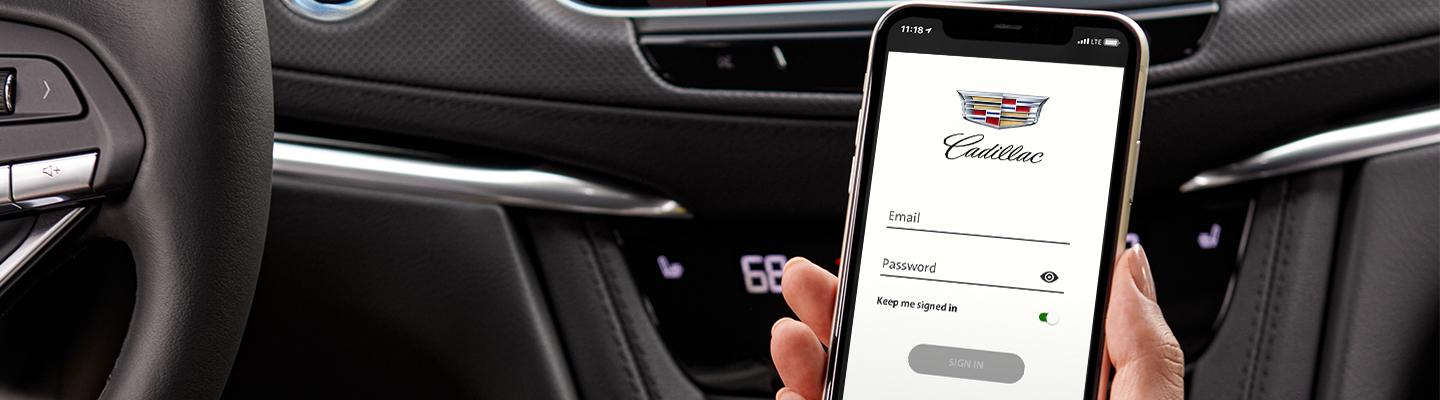
How to Use the myCadillac Mobile App
Unlock Your Driving Power with your Cadillac App
Driving a Cadillac has never been more convenient with your mobile app designed to help you remotely control some of the built-in functions in your properly equipped Cadillac through the myCadillac app.
With myCadillac, you can conveniently turn your engine on or off remotely using your smartphone. You can also schedule service appointments with your trusted Cadillac dealership, browse through your billing history, learn from informational videos about your vehicle as provided in the app, access your rewards, and many more.
Visit the Spitzer DuBois Cadillac Dealership or contact our customer service department to inquire about the myCadillac app and learn how it can make your Cadillac driving experience easier and more enjoyable.
What are the Features of myCadillac?
There are so many features inside the myCadillac app that will help you control your Cadillac with ease even when you’re outside your vehicle. These features allow you to remotely control some of the features in your vehicle, like remote start and unlocking the liftgate, view your billing history, search for the nearest Cadillac dealership or preferred dealer to schedule a service or check information regarding recalls, check your vehicle diagnostics, browse through your online owner’s manual, and explore all the features included in the online info regarding trailers.
You can also view your SiriusXM trial information, manage the available 4G LTE Wi-Fi® Hotspot, access the Cadillac Smart Driver feature that includes helpful driving tips, contact OnStar and any available Cadillac Support or Roadside Assistance for help, locate your vehicle, send directions to your vehicle’s navigation system, and many more.
If you’re in the United States, these features are exclusively for you – access your My Cadillac Rewards, access the Marketplace that lists rewards and perks from retailers and brands you love, and view and buy Cadillac accessories.
How Does the myCadillac App Work?
If you have a compatible smartphone like an iPhone or Android, or an Apple watch, you can easily use the myCadillac app. All you have to do is download the app from Google or the built-in app store on your phone to get started.
The next step is creating an account. To do that, you have to use the same email address that you used to sign in to your Cadillac Owner Center so that your app links in with your vehicle. Once you’re signed in, the app will launch an onboarding process to get you properly registered. After getting onboarded, you can start using all the conveniences built-in to your myCadillac app.
Customizing your dashboard is also easy. You have to follow the steps when you navigate the app to edit your information and your settings. If you need assistance, you can call the help desk to speak with a Connection Center Specialist at 1-877-558-8352.
Is myCadillac App Free?
The myCadillac app is free for Cadillac owners through the Connected Access Plan that comes with standard connectivity for up to 10 years if you’re an original purchaser. This plan is non-transferable, and the services included are subject to change. For the remote features of the app, you have to purchase the Remote Access Plan. Both plans allow family sharing with some limitations as indicated.
How do I Learn More About the myCadillac App?
To learn more, you can visit our Cadillac Dealership and speak with our customer service representatives. Visit the Spitzer DuBois Cadillac Dealership to inquire about the myCadillac app today!
0 comment(s) so far on How to Use the myCadillac Mobile App